Remote Control for Microwave Sensors - White


Why Niori
Over 20 years lighting homes worldwide
We are a specialist lighting and mirror retailer with showrooms in Birmingham, Hong Kong and Dubai, shipping to customers around the world. Our own design team is here to help, from first idea to final fitting.

Genuine products
An authorised stockist
Every product arrives brand new with the full manufacturer warranty. Found it cheaper elsewhere? Ask us about a price match.

Ordering with us
Free UK delivery over £99
Free UK delivery on orders over £99. Worldwide delivery is priced at checkout, before you pay. Easy returns within 14 days, subject to our returns policy. Full manufacturer warranty included.

Design help
Not sure what you need?
Our design team can help you plan your lighting, share photos and videos of stock, and send samples worldwide. Book a showroom visit in Birmingham, Hong Kong or Dubai, or ask about our lighting design service.
You Might Also Like
-

 $1,06800Unit price Translation missing: en.products.product.price.unit_price_separatorUnavailable1 In Stock3 In Production · 26 Nov
 Free Delivery
-

 $82600Unit price Translation missing: en.products.product.price.unit_price_separatorUnavailable
Caelith 1 Light Medium Carved Alabaster Wall Light - Brushed Brass
4 In Production · 26 NovFree Delivery In our showroom
-

 $4,95400Unit price Translation missing: en.products.product.price.unit_price_separatorUnavailableMade to OrderFree Delivery
-

 $2,20200Unit price Translation missing: en.products.product.price.unit_price_separatorUnavailable1 In Production · 26 NovFree Delivery
-

 Save 20%$32100$40100Unit price Translation missing: en.products.product.price.unit_price_separatorUnavailable2 In StockFree DeliveryIn our showroom
-

 $1,79800Unit price Translation missing: en.products.product.price.unit_price_separatorUnavailable
Aleron LED Large Round Alabaster Flush Ceiling Light - Soft White & Brushed Brass
Made to OrderFree Delivery -

 $1,34000Unit price Translation missing: en.products.product.price.unit_price_separatorUnavailableMade to OrderFree Delivery
-

 $2,56900Unit price Translation missing: en.products.product.price.unit_price_separatorUnavailable
Selvara 10 Light Alabaster Cluster Chandelier - Brushed Brass
Made to OrderFree DeliveryIn our showroom -

 $2,83600Unit price Translation missing: en.products.product.price.unit_price_separatorUnavailableMade to OrderFree Delivery
-

 $4,95400Unit price Translation missing: en.products.product.price.unit_price_separatorUnavailable
Sorrelis 9 Light Alabaster Chandelier - Soft White & Brushed Brass
Made to OrderFree Delivery -

 $4,95400Unit price Translation missing: en.products.product.price.unit_price_separatorUnavailableMade to OrderFree Delivery
-

 $2,56900Unit price Translation missing: en.products.product.price.unit_price_separatorUnavailableMade to OrderFree Delivery


Recommended For You
Our Reviews
Featured Projects
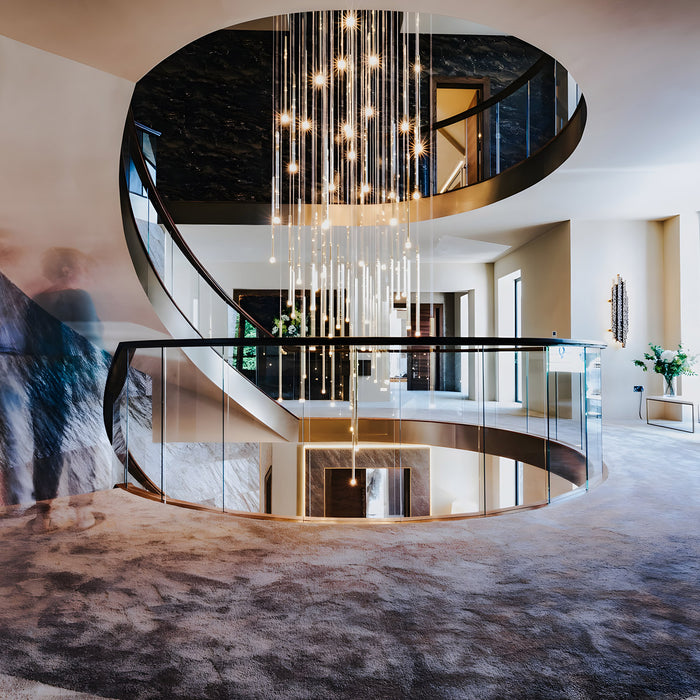
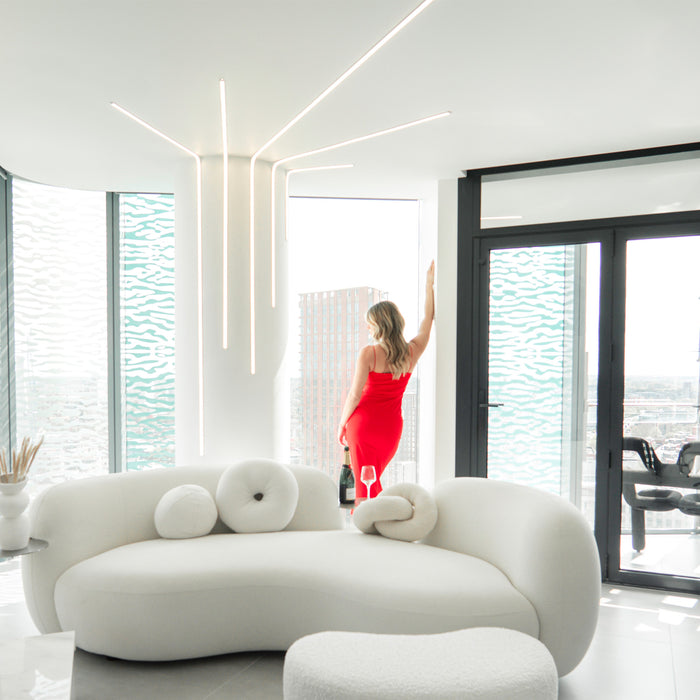
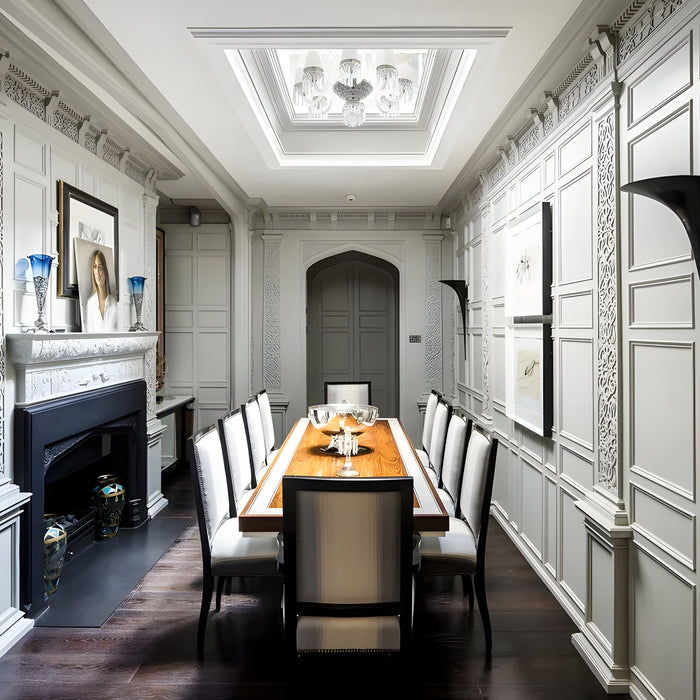
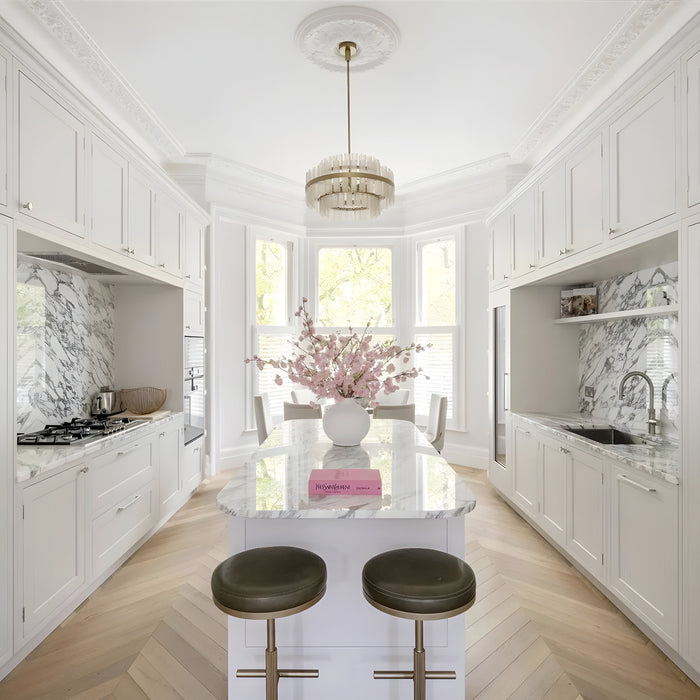
Step into our portfolio and see how we transform homes, restaurants, and commercial spaces and more, worldwide. Take a closer look at our latest lighting projects.